
How to Install a Home or Business Alarm System: A Step-by-Step Guide
At Aghora IT, we believe safety and peace of mind should never be compromised. Whether you’re looking to secure your home or protect your business premises, a modern alarm system is a smart investment. In this guide, we walk you through the essential steps to install an alarm system effectively.
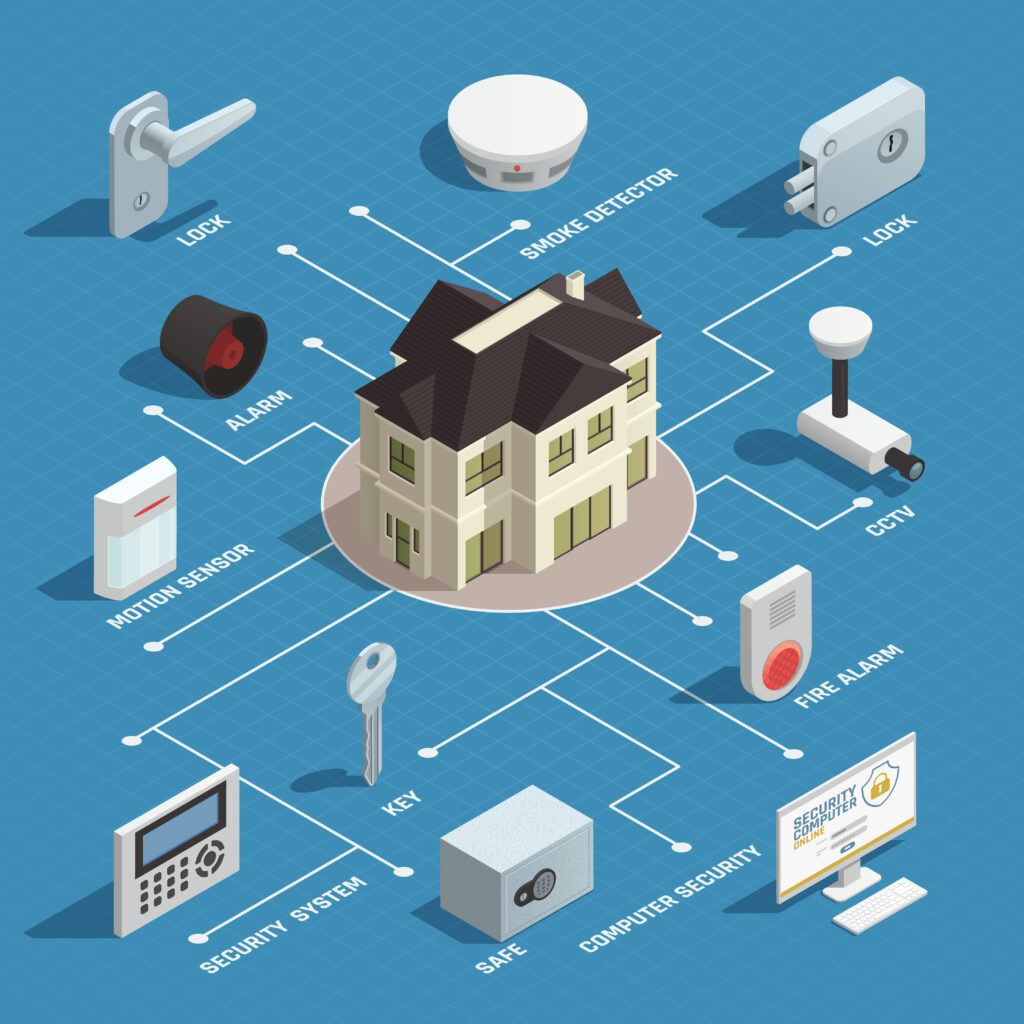
🔍 Step 1: Assess Your Security Needs
Before installation, evaluate your property:
- Home: Focus on main entrances, windows, garages, and outdoor areas.
- Business: Prioritize offices, cash registers, server rooms, and external doors.
💡 Aghora IT Tip: Create a simple floor plan and highlight vulnerable points for better sensor placement.
🛒 Step 2: Choose the Right Alarm System
We typically recommend:
- Wired Systems: Ideal for large businesses or new constructions.
- Wireless Systems: Great for quick setup in homes or small offices.
At Aghora IT, we help you choose systems with features such as:
- Door and window sensors
- Motion detectors
- HD surveillance cameras
- Mobile app integration
- Optional 24/7 professional monitoring
We support top brands including Hikvision, Dahua, Ring, SimpliSafe, and Bosch.
🛠️ Step 3: Gather Your Tools
For a DIY setup or a walkthrough with our technicians, prepare:
- Drill and screwdriver
- Screws and wall plugs
- Smartphone or tablet
- Stable internet connection
- Access to power outlets
🏗️ Step 4: Install the Control Panel
- Install near the main entrance or in a central, secure location.
- Ensure it’s connected to power and your Wi-Fi network.
- Aghora IT panels come with user-friendly touchscreen displays or keypads.
🚪 Step 5: Mount Entry Sensors
- Place sensors on doors and windows using adhesive or screws.
- Test alignment to ensure proper triggering when opened.
👀 Step 6: Install Motion Detectors
- Position in corners around 6–8 feet high.
- Avoid direct sunlight or airflow from vents to reduce false alarms.
🎥 Step 7: Add Security Cameras
With Aghora IT’s smart surveillance solutions:
- Place cameras at entrances, driveways, hallways, and sensitive rooms.
- Use cloud or local storage for footage.
- Monitor from anywhere via your smartphone.
📲 Step 8: Connect & Configure
- Use our mobile app or web dashboard.
- Connect to Wi-Fi or our professional monitoring service.
- Label each sensor and camera for easy identification.
✅ Step 9: Test Your Alarm System
- Trigger sensors and confirm alerts.
- Test app notifications and panic buttons.
- If you’re on Aghora IT’s monitoring plan, verify response times with our support team.
🔐 Aghora IT Pro Tips
- Always change the default passcodes.
- Train your family or team to use the system confidently.
- Regularly clean sensors and check battery levels.
- Display Aghora IT security stickers to deter intruders.
🔧 Need Professional Help?
Aghora IT offers full-service alarm system consultation, installation, and support across homes and businesses. Whether you’re setting up a basic system or an advanced smart security network, our team is here to assist you every step of the way.
📞 Contact us Today : 971-43403316